By Hi There Studio
Windows app
Always-on-top overlay that captures a browser or player window — YouTube, Twitch, VLC, and more.
7-day free trial · Then a $7 one-time license
Works with video & media players
Point Glowcast at KMPlayer, VLC, PotPlayer, MPC-HC, Windows Media Player, or a browser window. It adjusts what you see; it does not replace the player.
- KMPlayer
- VLC
- PotPlayer
- MPC-HC
- Windows Media Player
- YouTube
- Twitch
- Other normal website video
Some streaming apps (for example Netflix) lock their video. Everyday website video and local files usually work best.
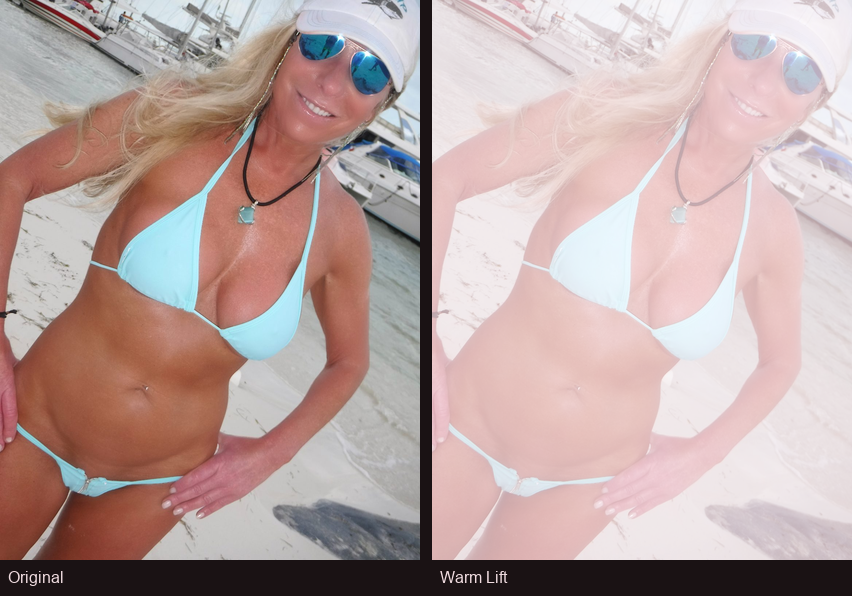
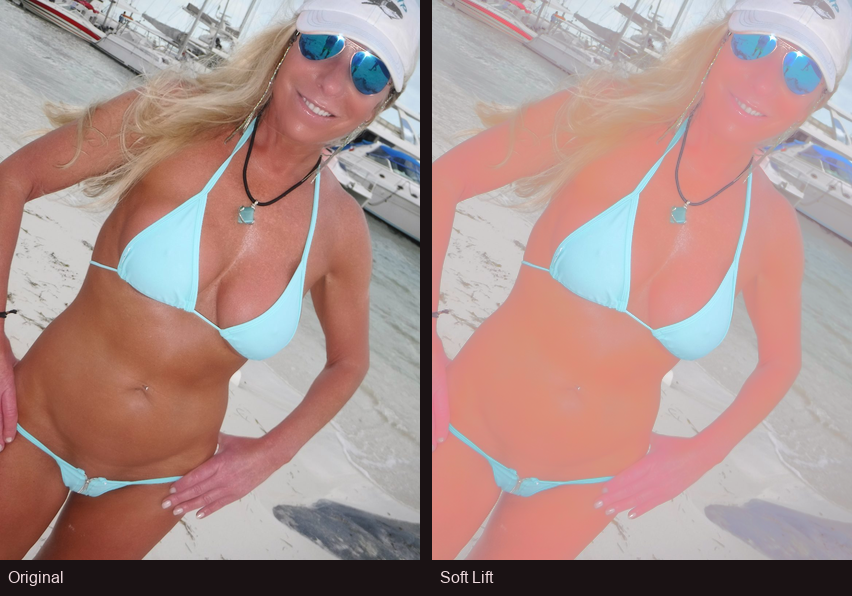
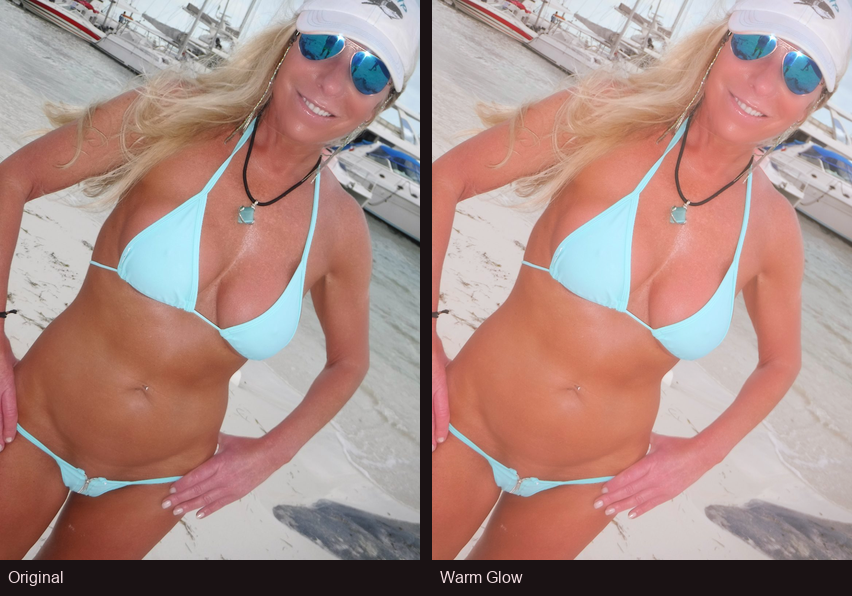
Every look, side by side
Same photo with each Glowcast look (left: original · right: after).
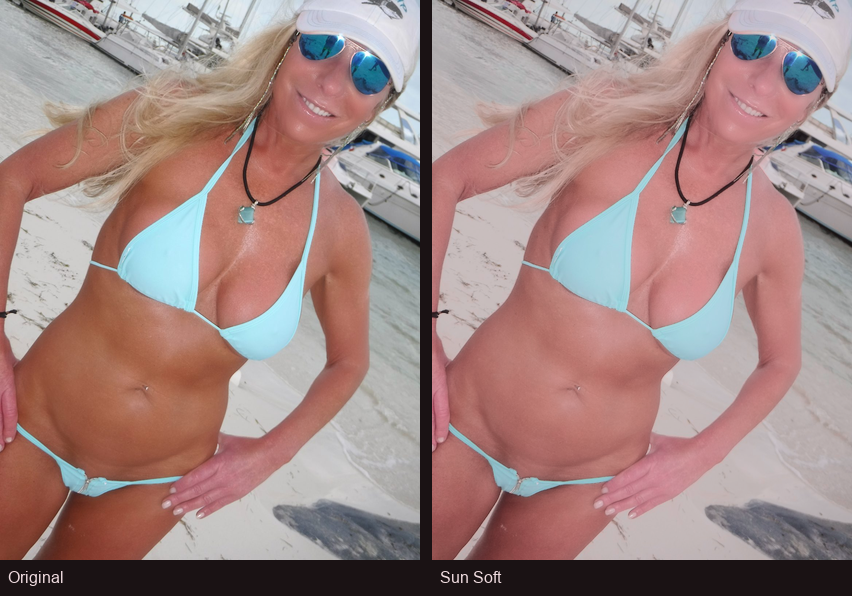
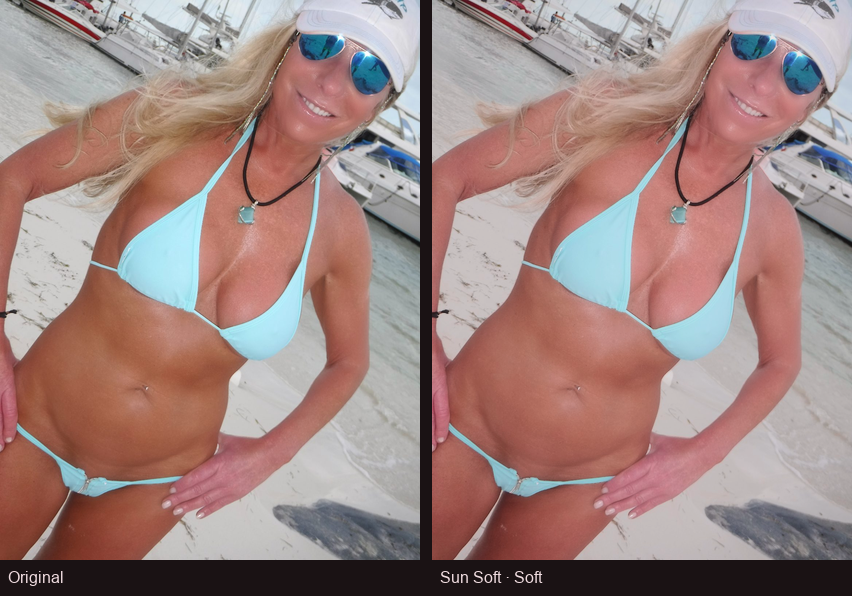
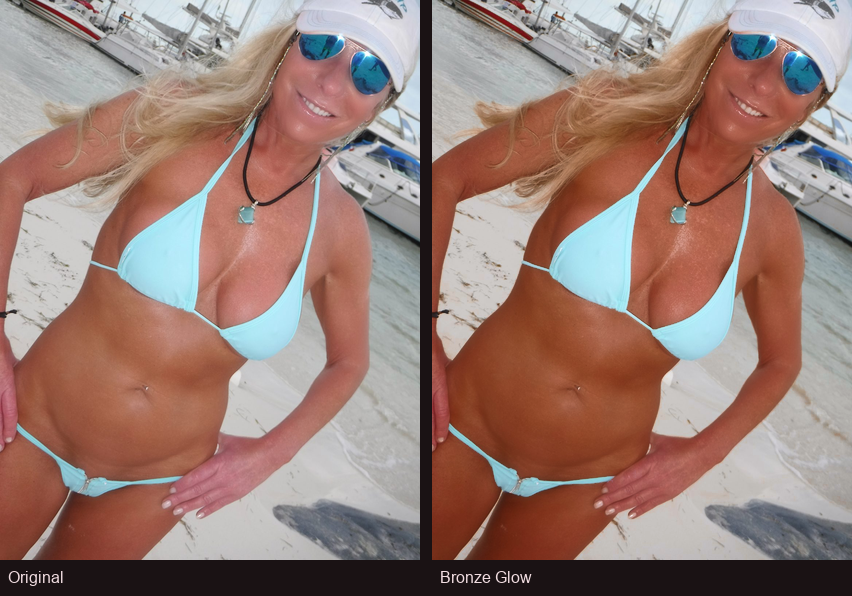
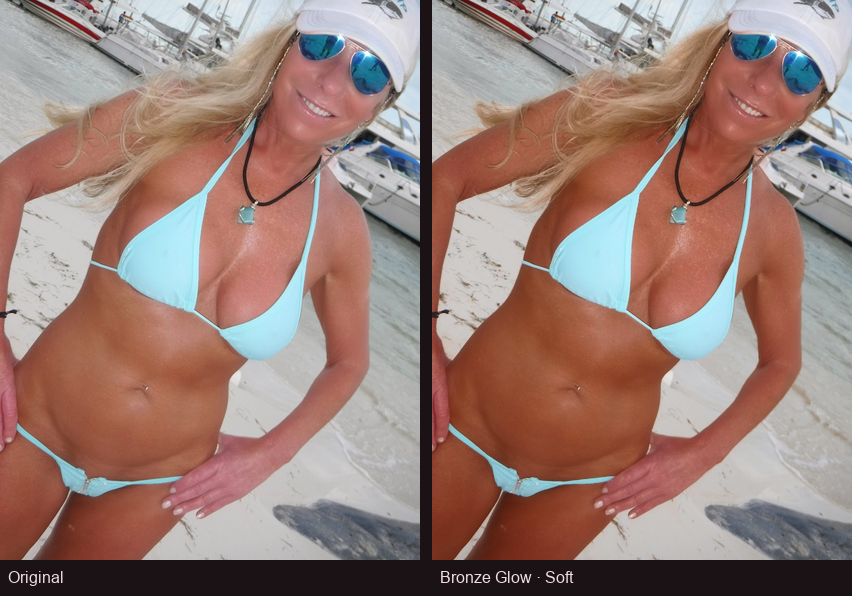
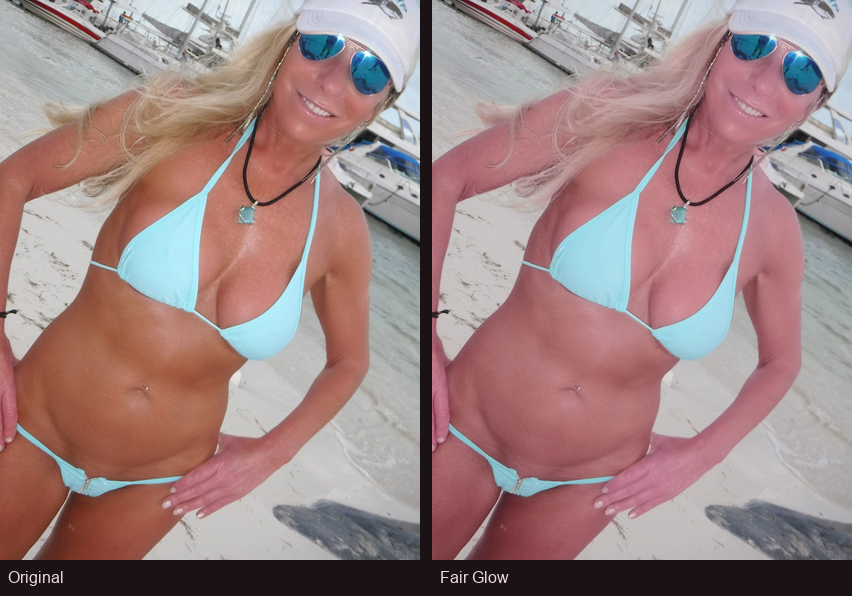
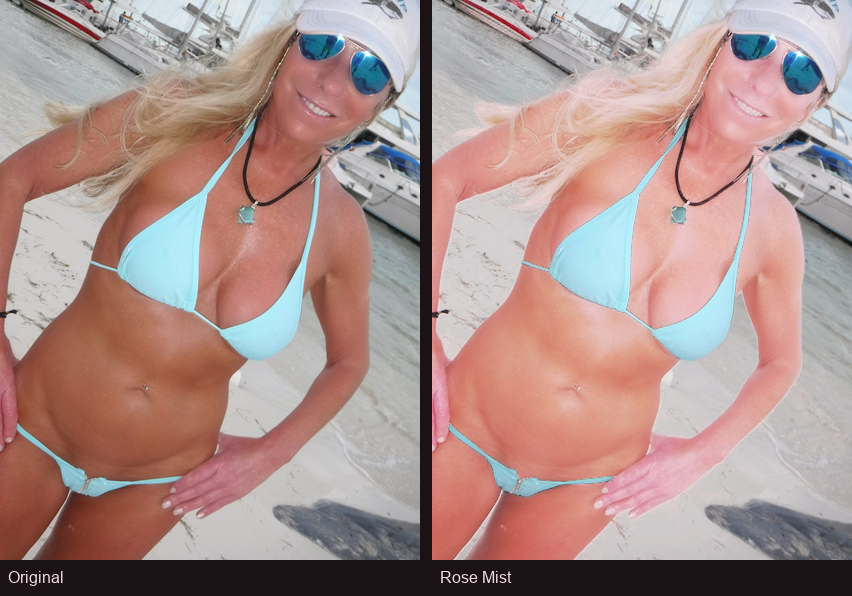
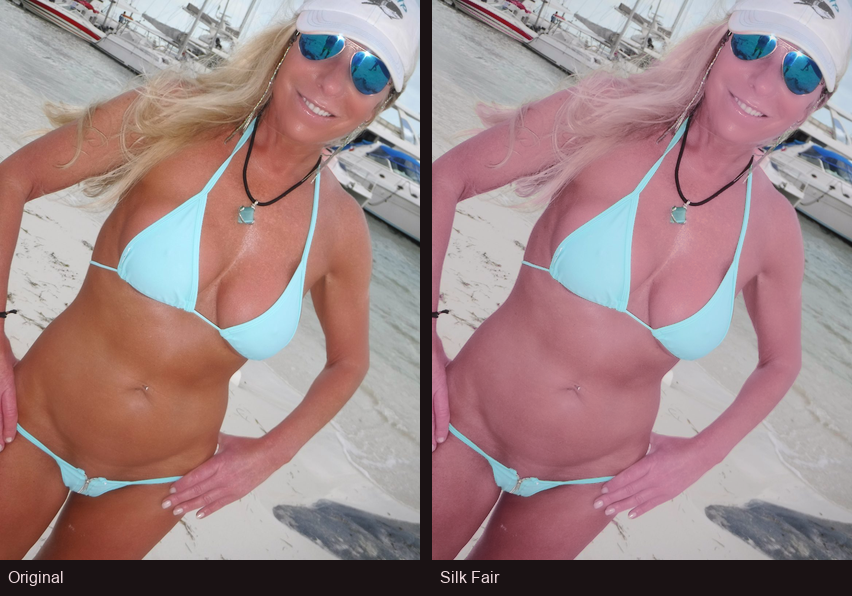
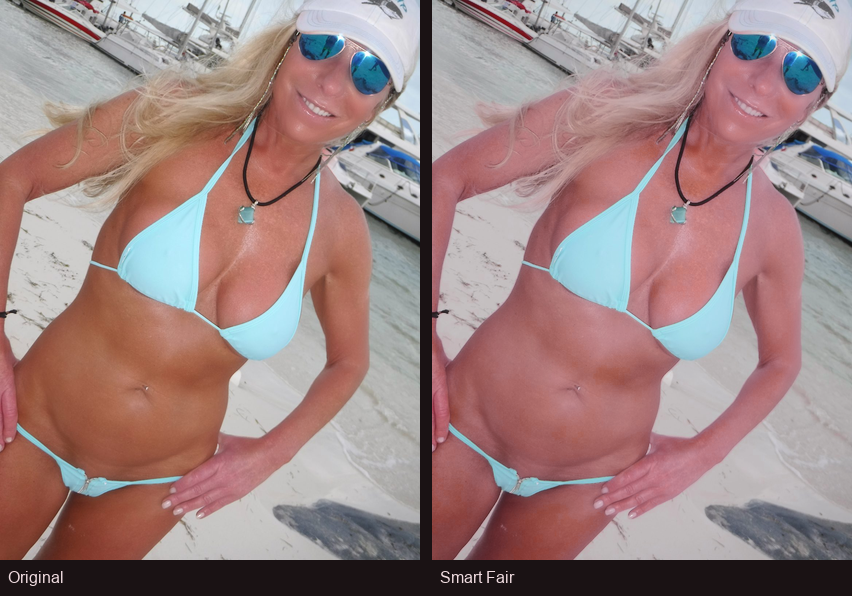
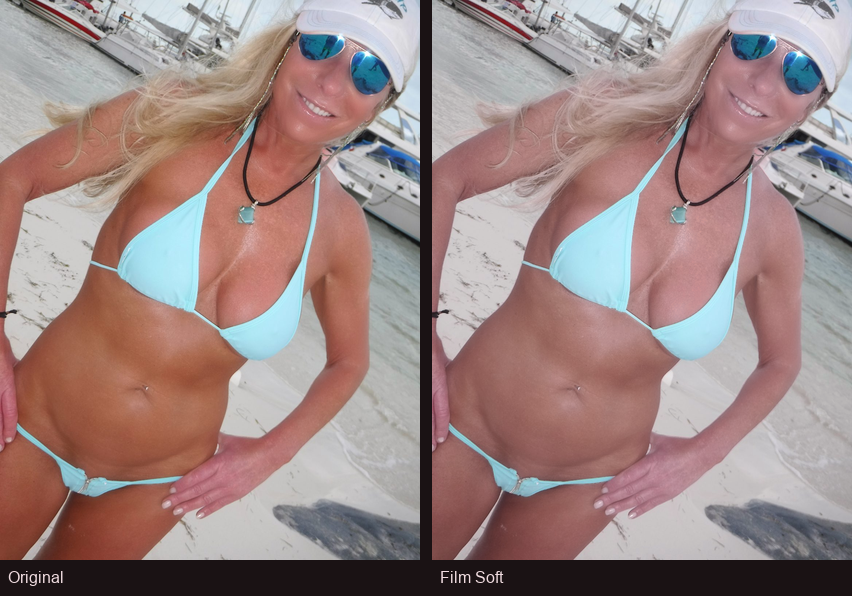
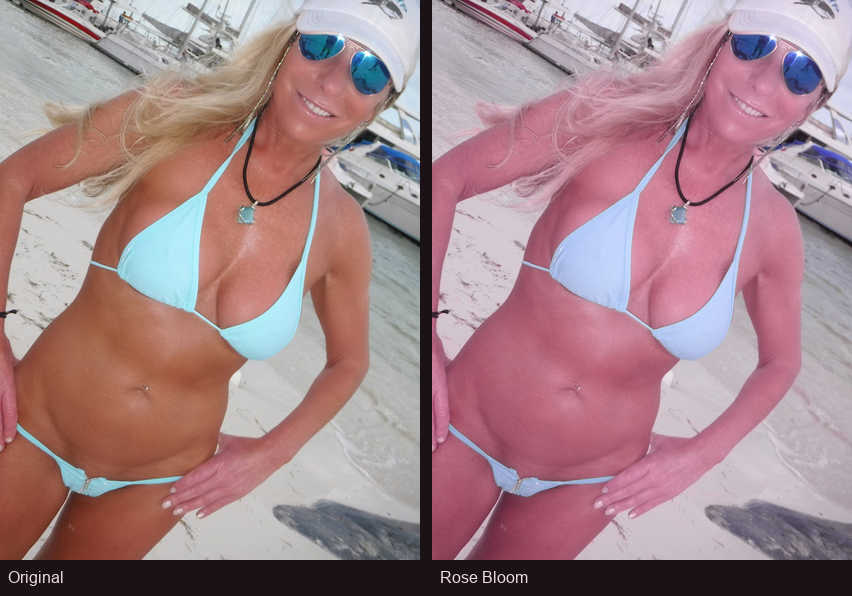
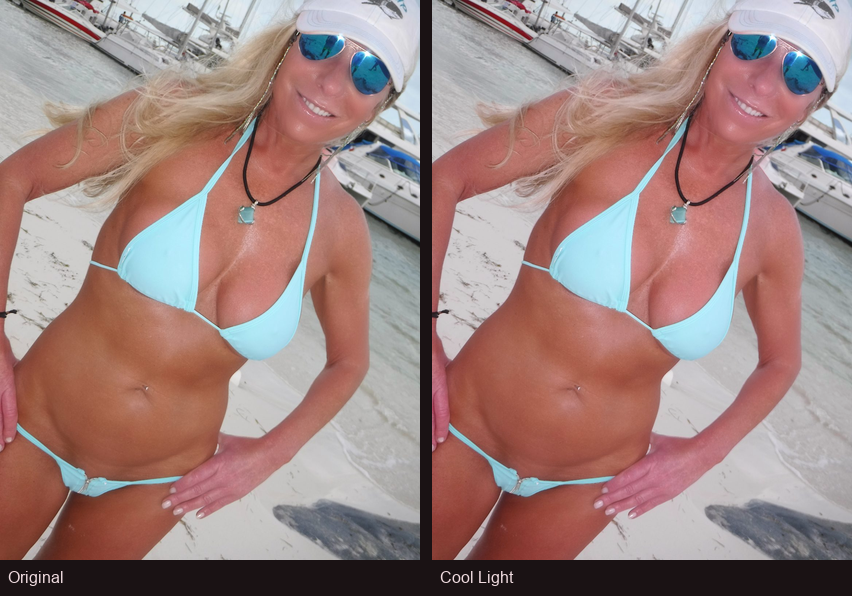
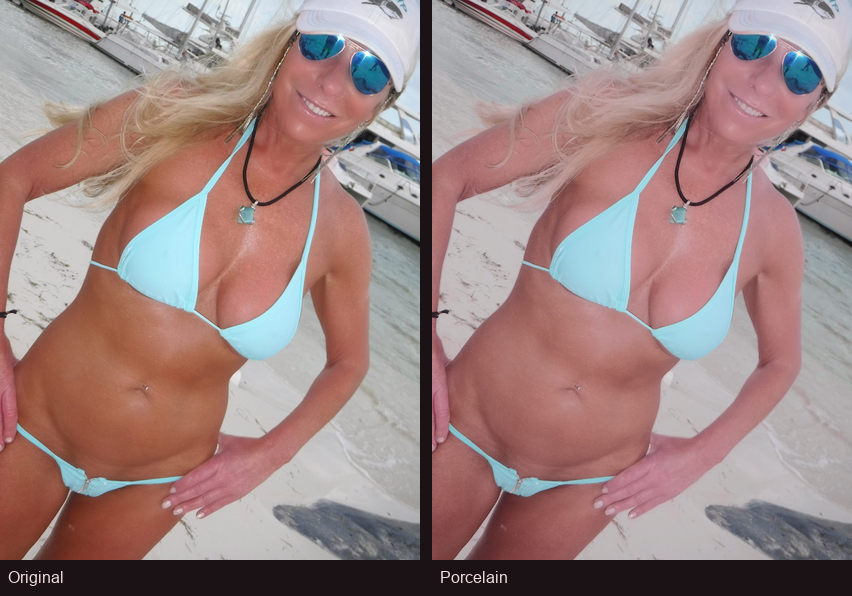
Download the Windows app
Glowcast for Windows is a standalone desktop app. Download, install, and run. For in-page video only, try the free browser extension.
Version 1.9.0 for Windows 10/11 (64-bit). Hosted on GitHub Releases for faster downloads.
About download and install warnings
Glowcast for Windows is not code-signed yet. Browsers and Windows may show extra warnings — that is normal for independent software. The files on this page come directly from Hi There Studio.
If your browser warns about the download
Chrome, Edge, and other browsers sometimes flag new or uncommon downloads. Glowcast is safe — choose to keep the file and finish downloading.
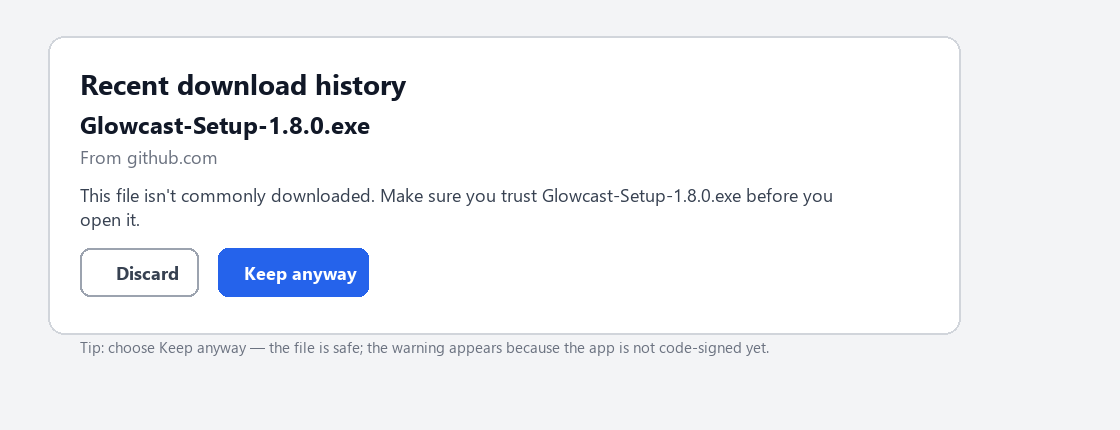
- Start the download from the buttons above.
- If you see a warning, choose Keep, Keep anyway, or Save — not Discard.
- Open the downloaded .exe from your Downloads folder.
If Windows SmartScreen blocks the installer
On first launch, Windows may show a blue SmartScreen screen because the publisher is not yet verified. You can still install Glowcast.
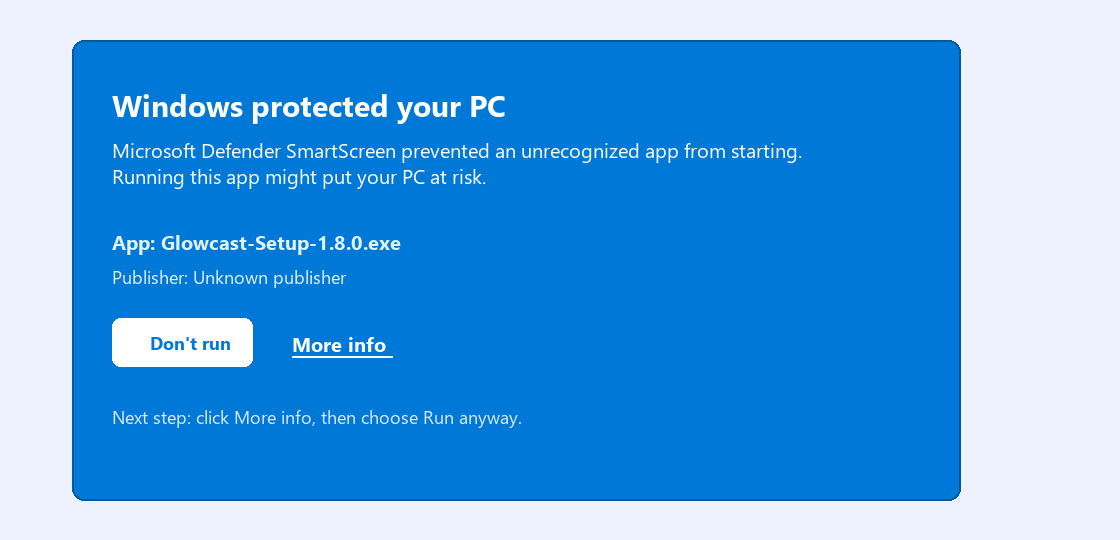
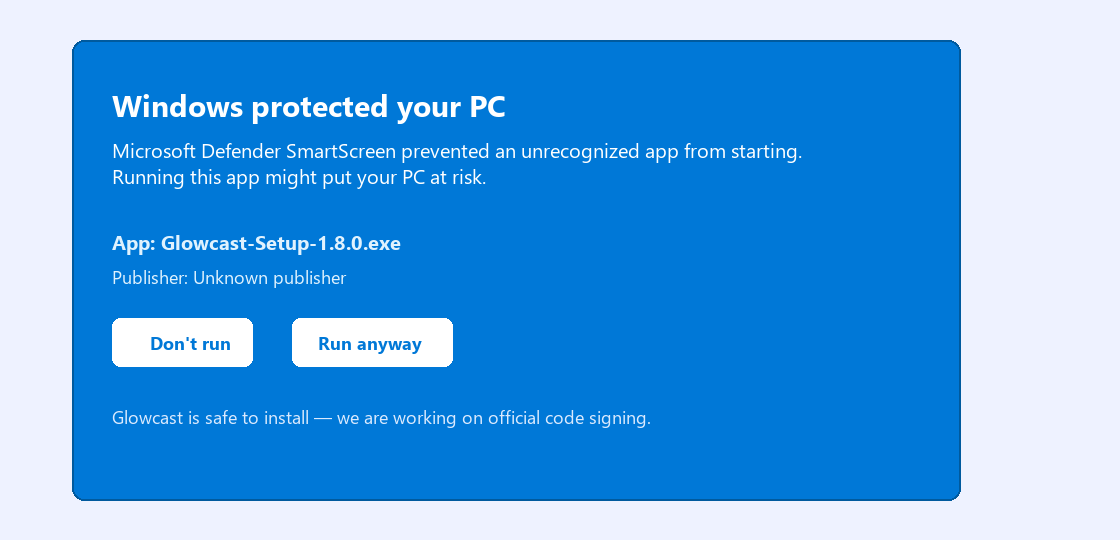
- Double-click Glowcast-Setup-1.9.0.exe (or the portable .exe).
- On the blue SmartScreen window, click More info.
- Click Run anyway, then follow the installer.
We are working on official Authenticode signing so these warnings go away in a future release. If anything looks wrong, contact us via the Support page.
Payment successful
Thanks for buying Glowcast
Your payment went through. Check your email for a Glowcast license key (GC-XXXX-…). Open the Windows app → License → Activate, then paste the key. (The browser extension stays free and does not need a key.)
- Check your email for a license key from us.
- Open Glowcast for Windows.
- Go to License → Activate and paste the key.
Buy a Windows license
One-time purchase of $7 USD unlocks the Windows app after the 7-day trial. Payment is handled by Paddle. After checkout, you receive a license key by email to paste under License → Activate. The browser extension is free and does not need a license.
Secure checkout by Paddle. By purchasing you agree to our policies below.
What you get
Windows window capture
Capture Chrome, Edge, or another window playing YouTube, Twitch, or similar website video. Glowcast adjusts the look on top — it is not the video player itself.
Many looks to choose from
Looks are grouped into Remove tan and Add tan — carefully tuned skin-tone Looks, not a flat tint over the whole screen.
Always-on-top overlay
On Windows: full-screen overlay with optional click-through so mouse and keyboard reach the app underneath.
7-day trial
Try the full Windows overlay free for seven days from first launch. After that, activate a one-time license.
Local processing
Everything runs on your device. We do not upload your video to a cloud server.
Hi There Studio
Glowcast is developed by Hi There Studio — the same studio behind Hi There and Spotted You!
How it works
- Open video in Chrome or Edge (YouTube, Twitch, etc.) or in VLC / another player.
- In Glowcast, refresh the list and pick that browser or player window (a window works better than the entire screen).
- Choose Remove tan or Add tan, pick a look, set strength, pick a monitor, then start the overlay.
Note: some streaming apps (for example Netflix) often cannot be adjusted or captured. Everyday website video and local files usually work best.
Privacy at a glance
Glowcast adjusts video on your device. Windows licenses are handled by Paddle. Read our legal policies for details.