From Maya's screen
Log in with WeChat — or create your own avatar
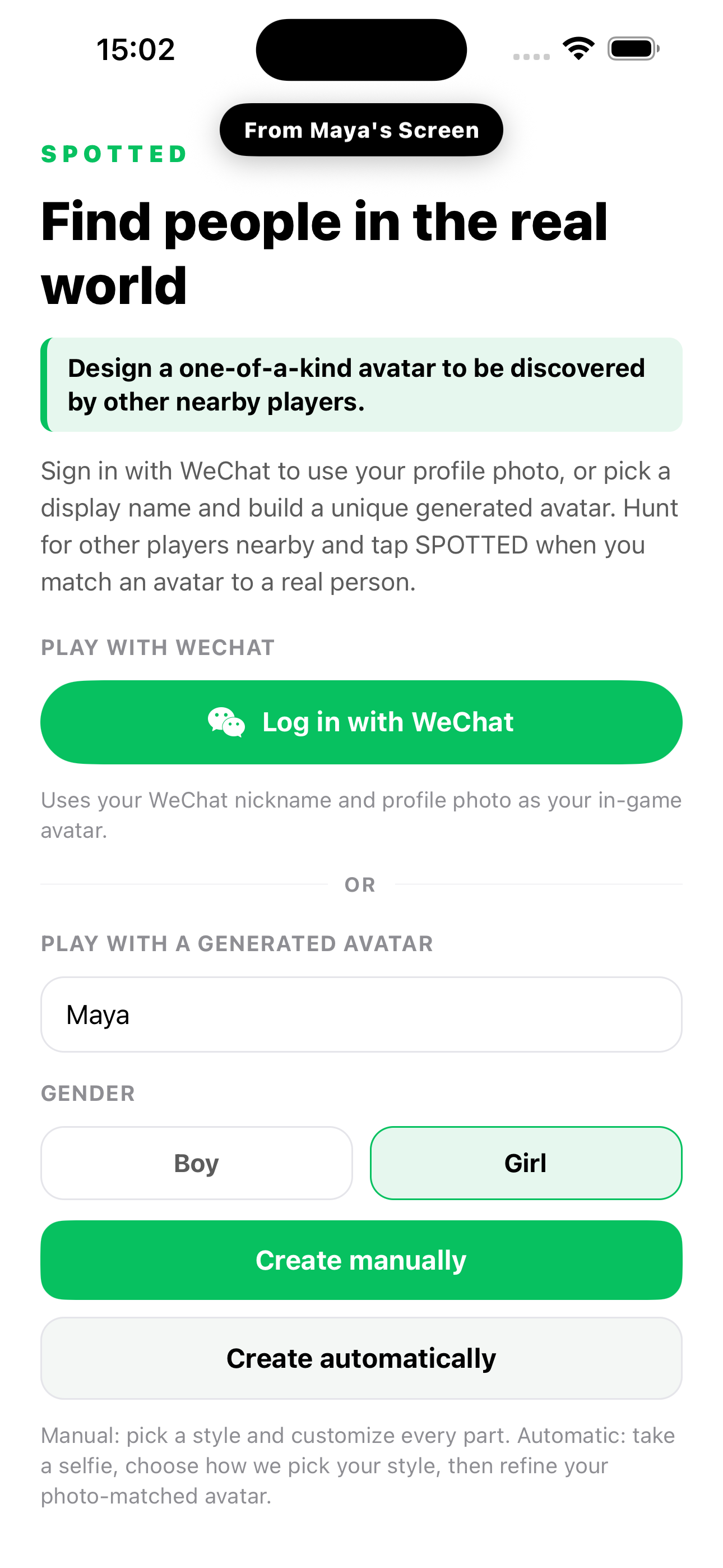
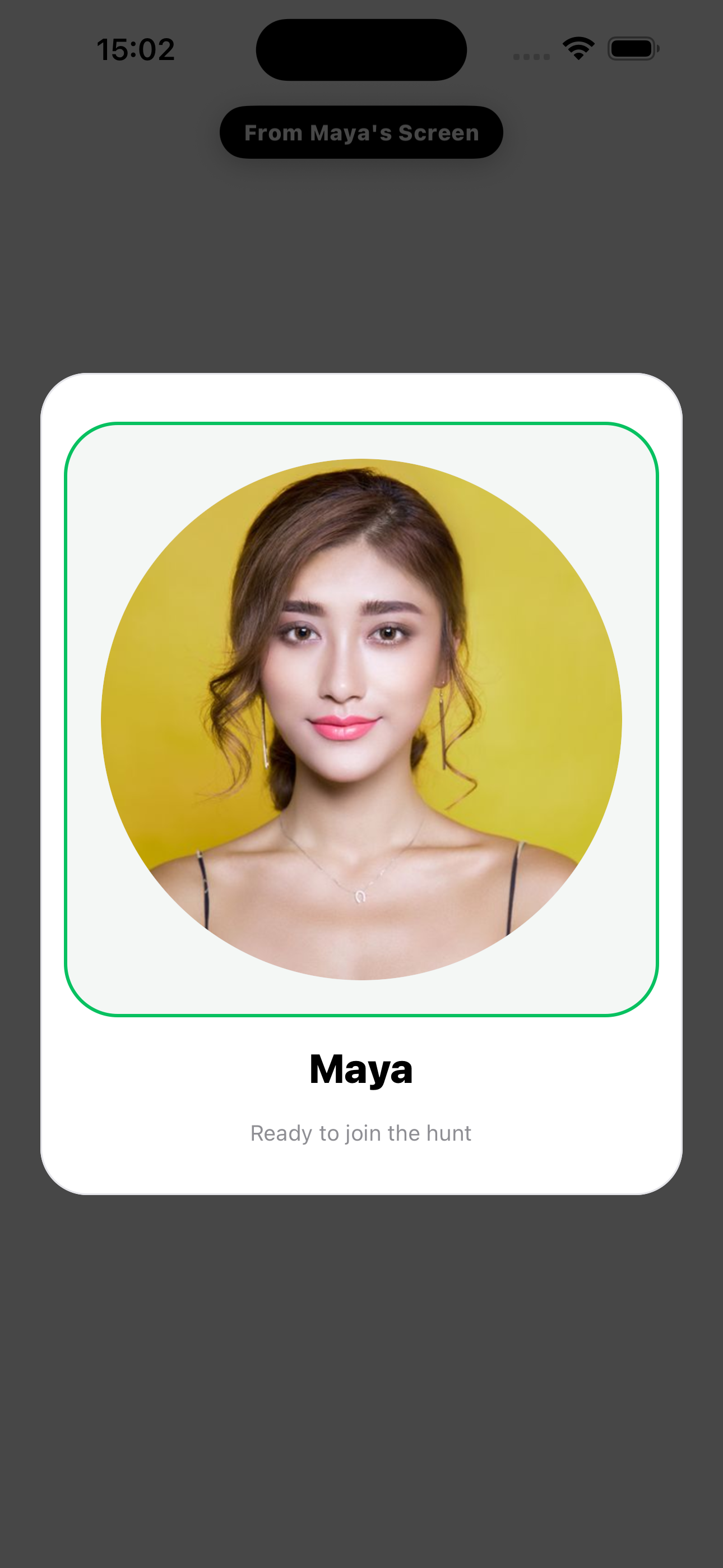
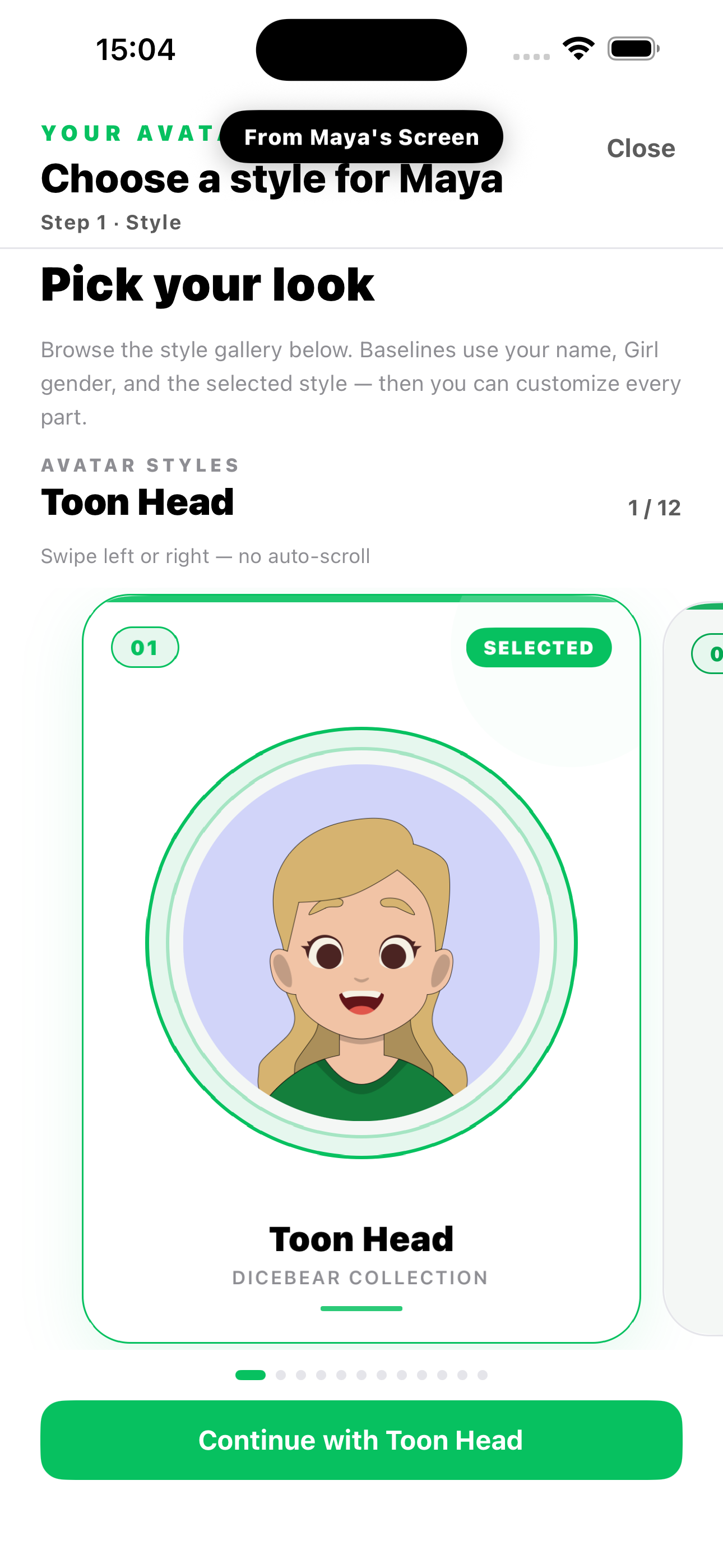
Maya can use her WeChat profile photo as her in-game avatar, or skip WeChat and design a custom avatar from 12 DiceBear styles.
By Hi There Studio
Log in with WeChat or design your own avatar, tap SPOTTED! when you find someone nearby, spot them back for duel points, and climb local rankings.
How it works
A real-room story — WeChat login or a custom avatar, spot someone, spot back, then check your score.
From Maya's screen
Maya can use her WeChat profile photo as her in-game avatar, or skip WeChat and design a custom avatar from 12 DiceBear styles.
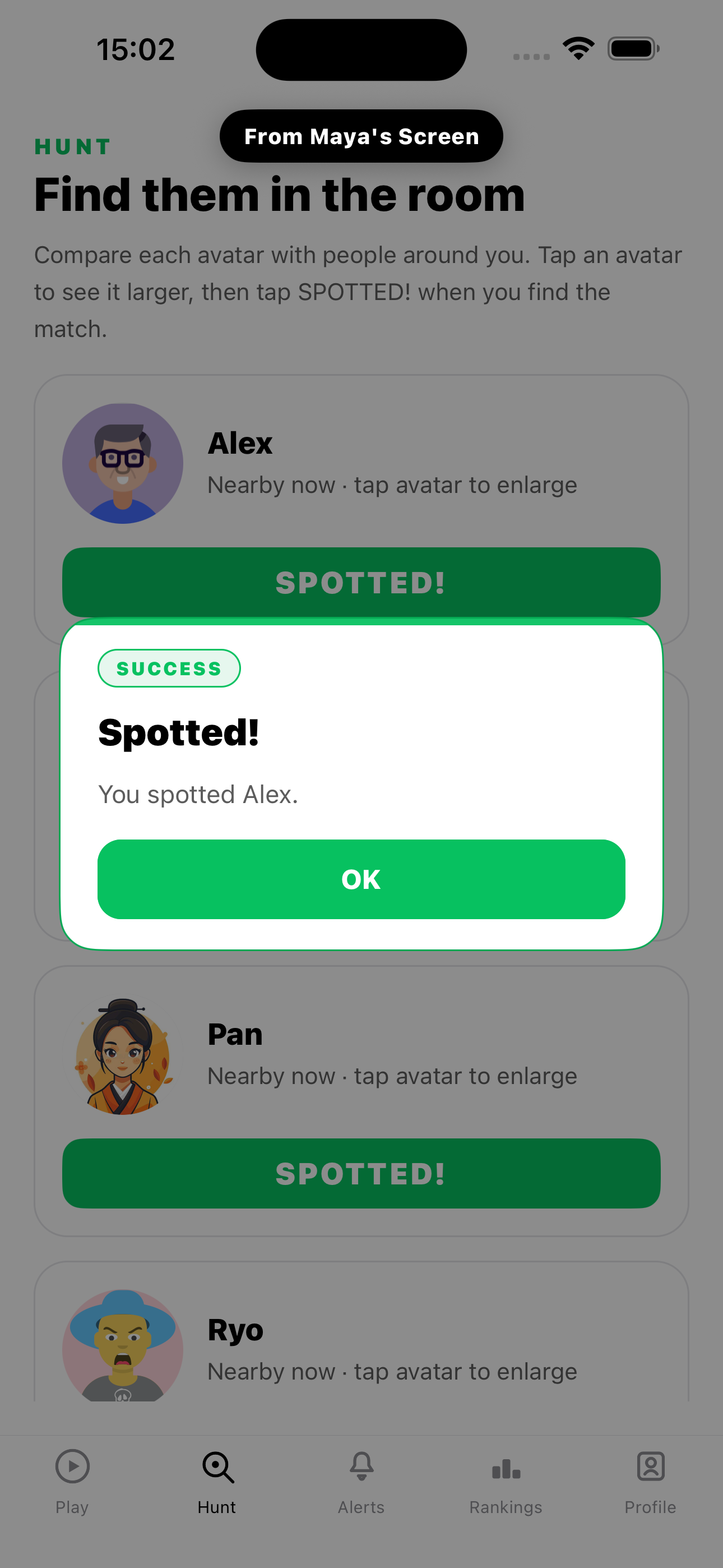
From Maya's screen
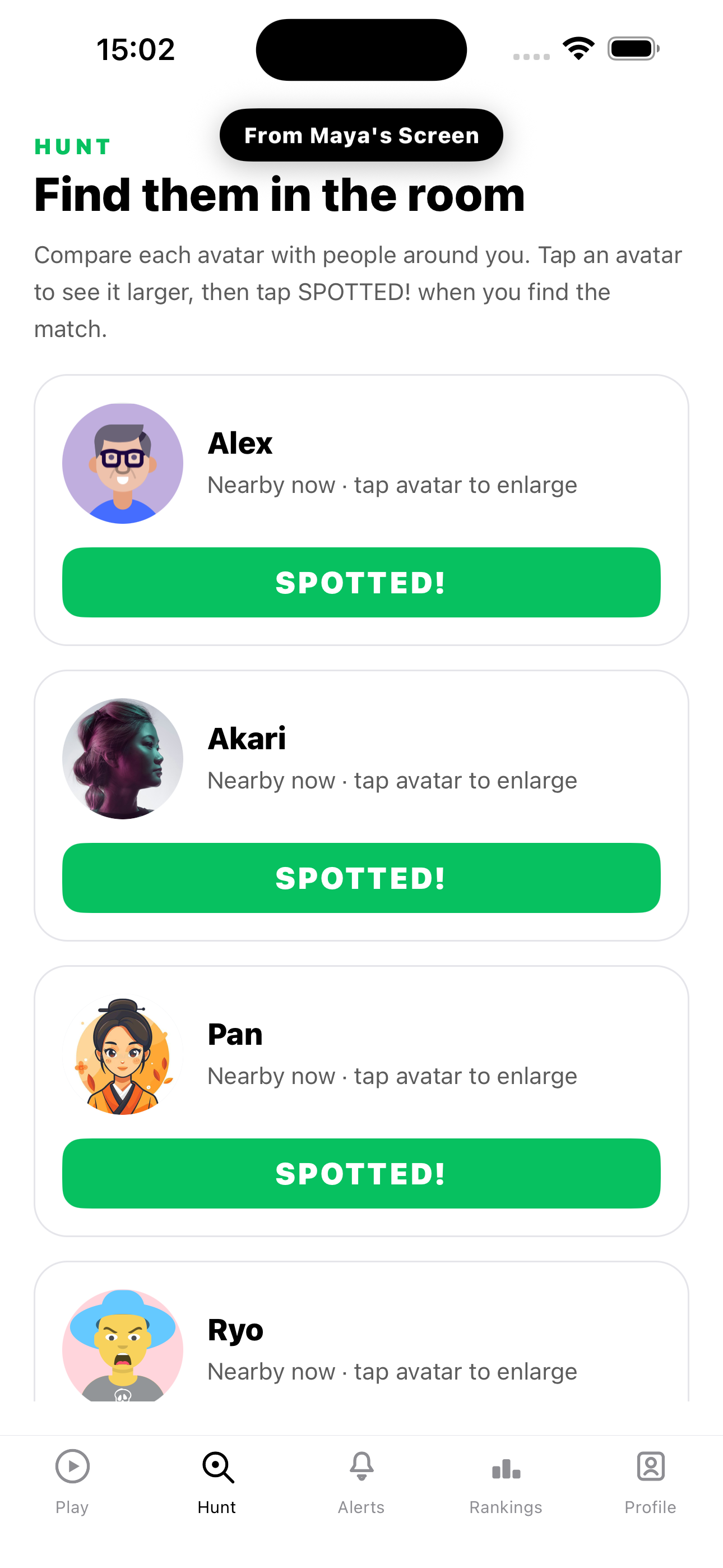
In Hunt, Maya compares avatars to people in the room and taps SPOTTED! when she finds Alex.
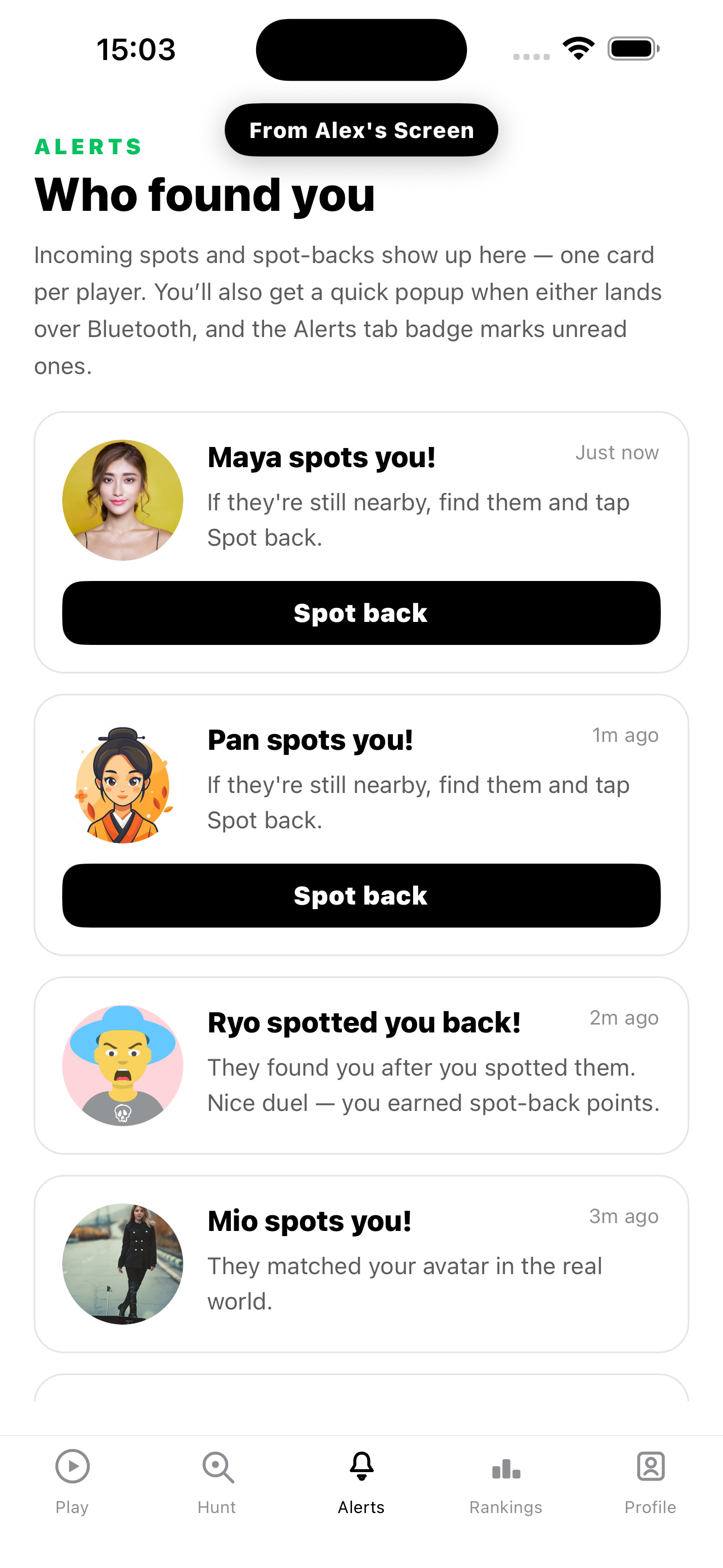
From Alex's screen
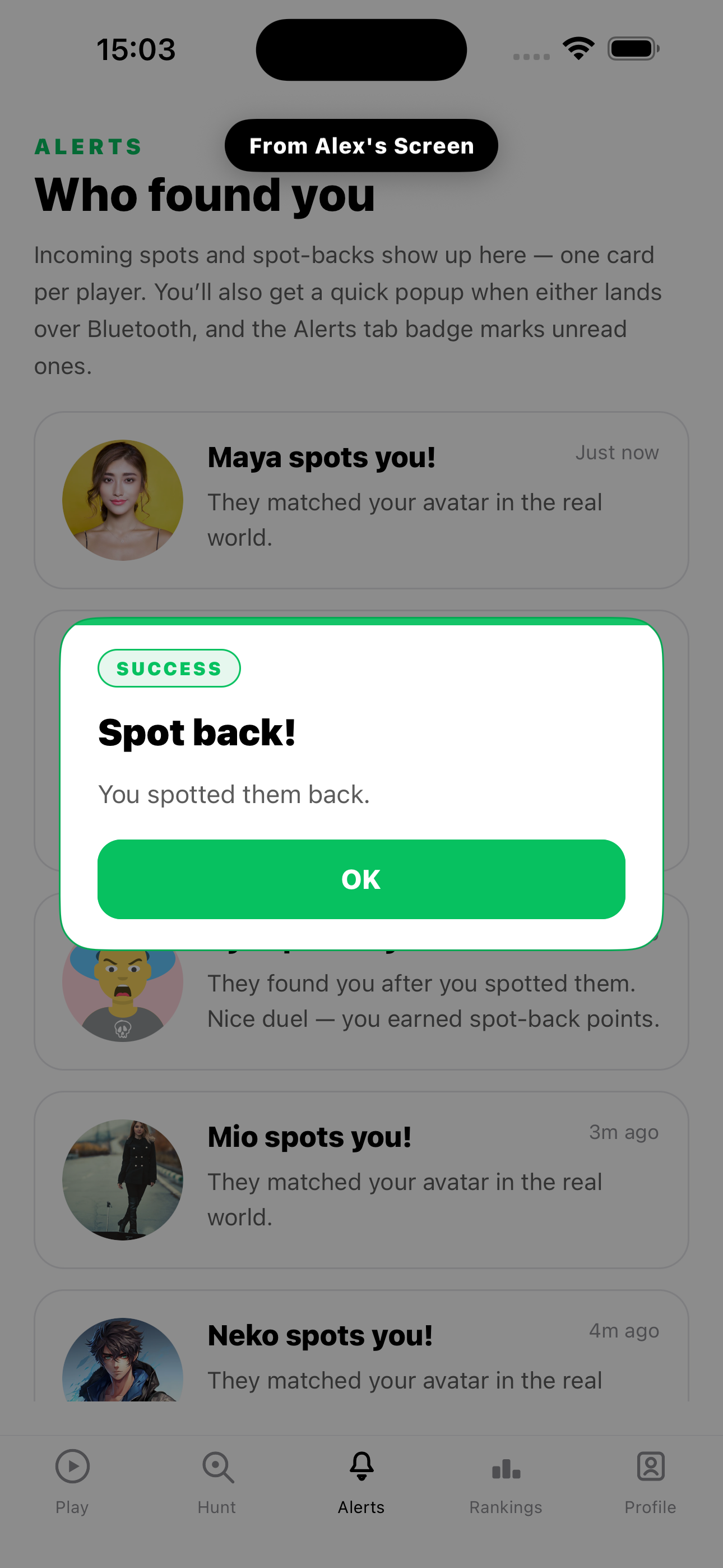
On Alex's phone, Alerts shows Maya found him. Still nearby? He taps Spot back to return the duel.
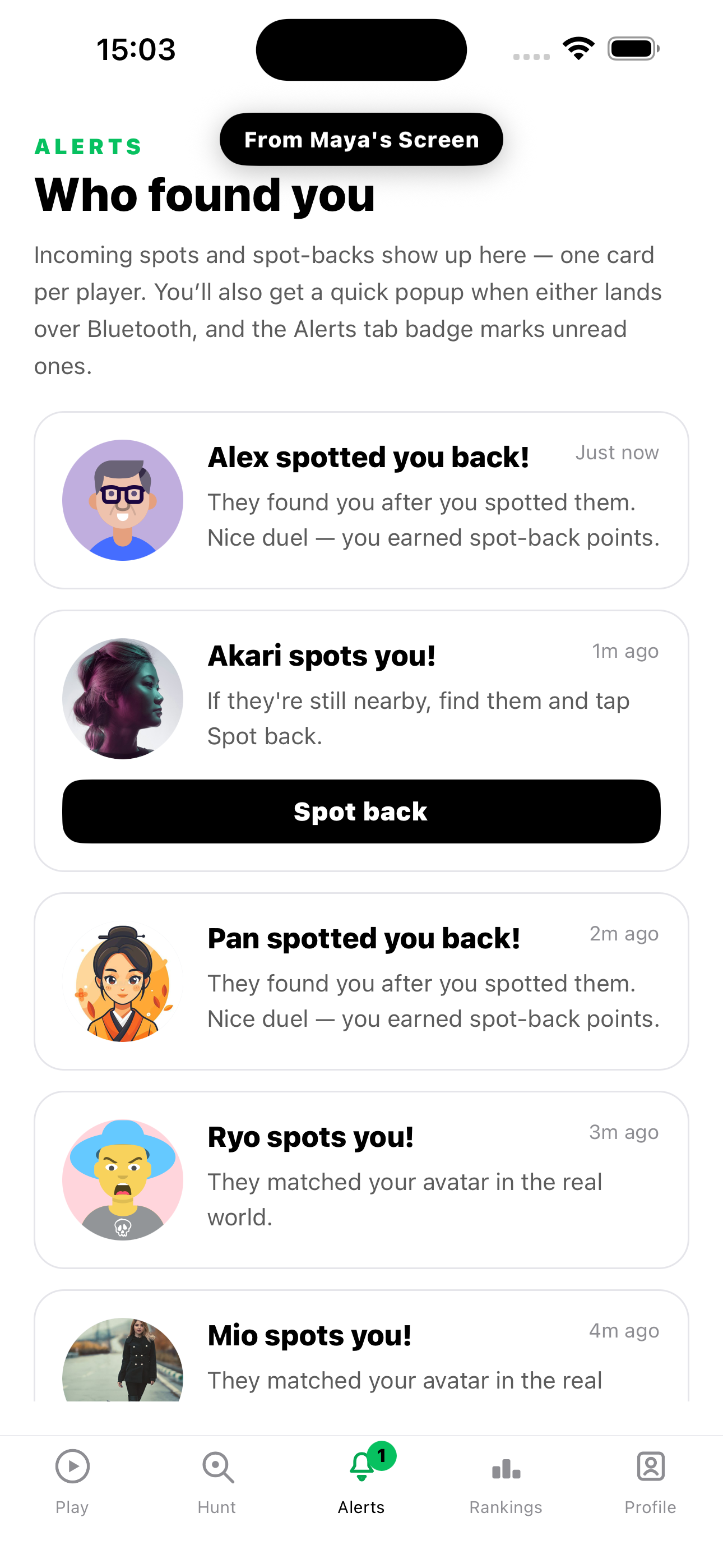
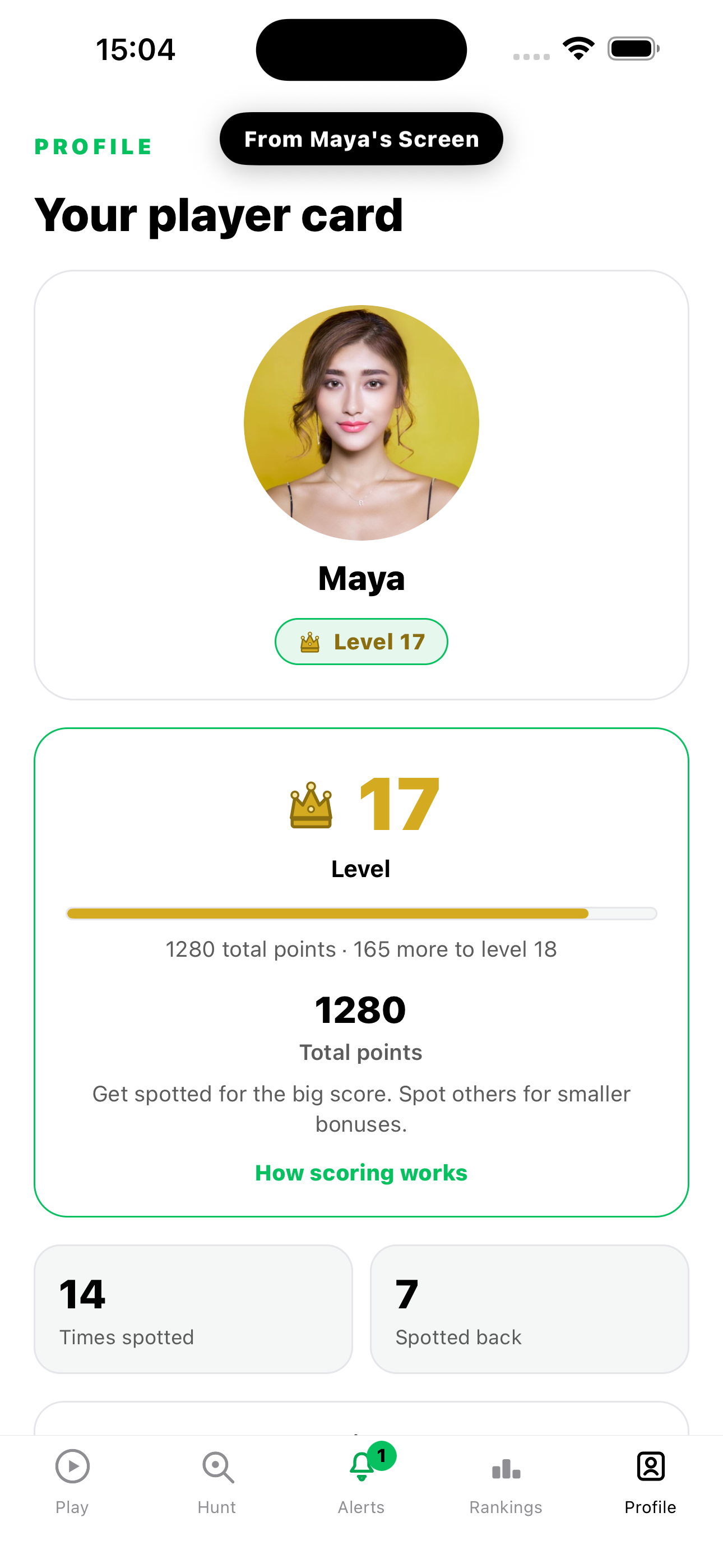
From Maya's screen
Back on Maya's Alerts: Alex spotted her back, so she earns spot-back points. Her player card in Profile shows her level and total score.
Stay in the game to show your avatar over Bluetooth — your WeChat profile photo or the avatar you designed. Others nearby can find you in the Hunt tab.
When you match an avatar to a real person, tap SPOTTED! They can spot you back for duel points.
Log in with WeChat to use your profile photo, or create your own avatar from 12 DiceBear styles — build it by hand or start from a selfie that is matched on your device.
Compare scores with players you've spotted or who spotted you. Share your personal ranking report.
Turn off Stay in the game when you don't want to be found. Optional ranking visibility lives in Profile.
Spotted You! is developed by Hi There Studio — the same studio behind Hi There.
Nearby spotting runs over Bluetooth on your devices. Display name and avatar sync online so nearby players can load your look. Selfies used to build a custom avatar stay on your device. We do not use your GPS to track you. Read the full Privacy Policy for details.
Play 发现你啦 inside WeChat — the same nearby avatar game, optimized for 微信小游戏.

Scan in WeChat to play
Available on the App Store and Google Play. Tap a badge or scan a QR code on your phone.


Scan for App Store


Scan for Google Play